Complete Visibility of Your Hardware Assets
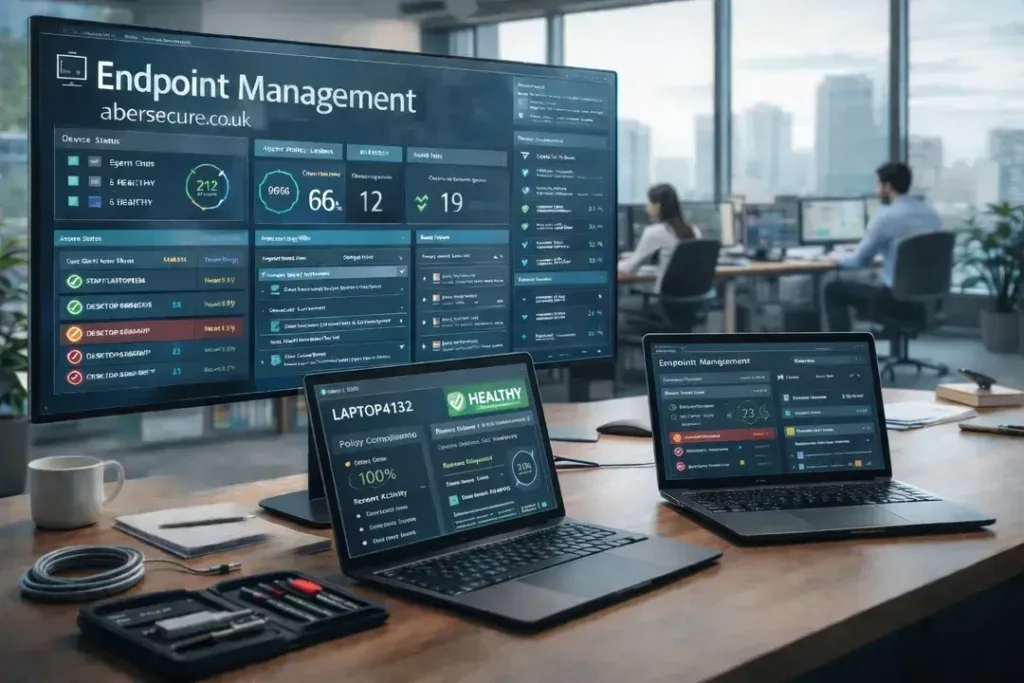
We deploy a lightweight management agent to every workstation and server you own. This gives our helpdesk immediate, secure access to diagnose issues without waiting for a site visit. Instead of asking your staff to explain technical errors over the phone, we can see the device status, hardware health, and active processes instantly. This type of active endpoint management is central to our business IT support, transforming support from a reactive conversation into a rapid, data-led resolution.
The Hidden Cost of Unmanaged IT
Without active endpoint management, devices age unpredictably. Disk drives fill up, processors overheat, and background services stall without warning. These issues often go unreported by staff until the machine becomes unusable, forcing you to pay for emergency remediation. This is why managed IT support is superior to ad-hoc fixing; we prevent the disruption before it stops your staff from working.
Operational Benefits of Endpoint Management
Moving to professional endpoint management stabilises your daily operations. By tracking every asset in real-time, we remove the guesswork from your budgeting and support. This level of control is standard across all our IT support packages.
- Instant remote assistance: We can access devices securely in seconds to fix issues while your staff watch.
- Accurate asset tracking: You will always know exactly what hardware you own and where it is located.
- Proactive hardware alerts: We detect failing drives and memory issues before they result in data loss.
- Silent background maintenance: We run scripts to clean and optimise machines without interrupting your team.
Continuous Monitoring and Scripting
Our platform runs 24/7, reporting back to our central dashboard even when your staff are offline. We use this connection to automate essential maintenance tasks, including disk cleanups and patch management updates. If a device stops checking in, our endpoint management system alerts us immediately, allowing us to maintain a consistent standard of performance across your entire fleet.
A Shift from Break-Fix to Reliability
The biggest change you will notice is silence. Instead of dealing with slow, noisy, or crashing computers, your team simply works. We handle the complex endpoint management tasks in the background. For businesses across Aberdeen, this means IT becomes a silent utility that works predictably, rather than a constant source of friction.