
Out of hours IT support gives businesses a direct route to trained technicians when a system failure or cyber incident happens outside normal working hours, so the issue gets triaged and escalated before it turns into prolonged downtime. For most businesses this means knowing three things: what response times actually mean, when an issue qualifies as an emergency rather than a routine ticket, and when to involve the NCSC directly. This article covers all three, plus a checklist for buying the service.
What out of hours IT support is and how it differs from daytime helpdesk
Out of hours IT support covers the period when the standard helpdesk is closed, typically evenings, weekends and public holidays, and it exists to handle incidents that cannot wait until morning. It is not a second shift of the same helpdesk work. Daytime support handles password resets, software requests and configuration changes. Out of hours support exists for the handful of events that threaten business continuity: a server down, a ransomware alert, a failed backup on a critical system, or a network outage affecting multiple sites.
Providers typically offer this in a few shapes:
- Extended hours cover: support runs beyond the standard 9 to 5 but stops short of overnight, often to early evening.
- Weekend cover: technicians are reachable on Saturday and Sunday for urgent issues only.
- 24/7 emergency cover: a dedicated line or on-call rota answers at any hour, usually reserved for business-critical faults.
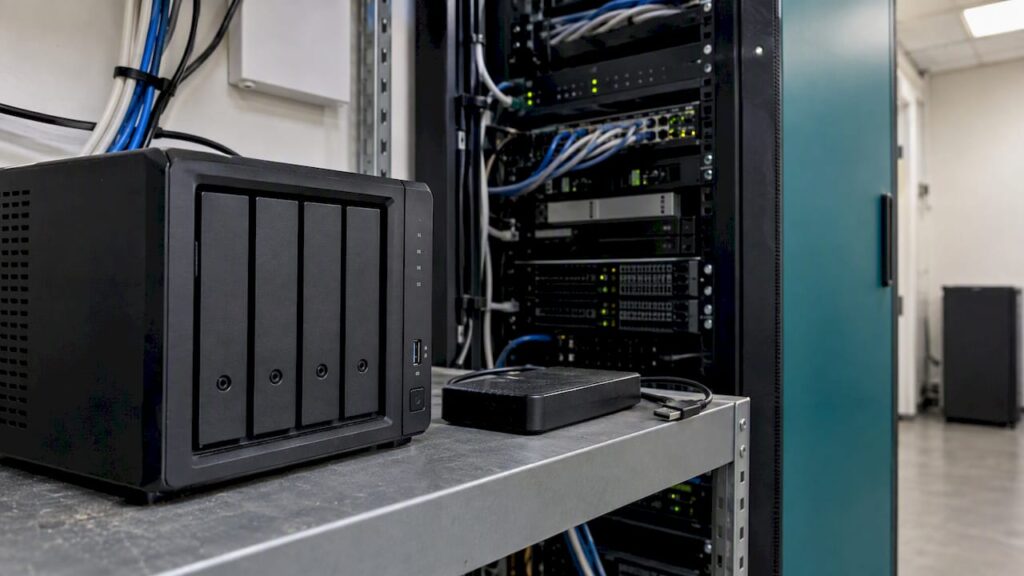
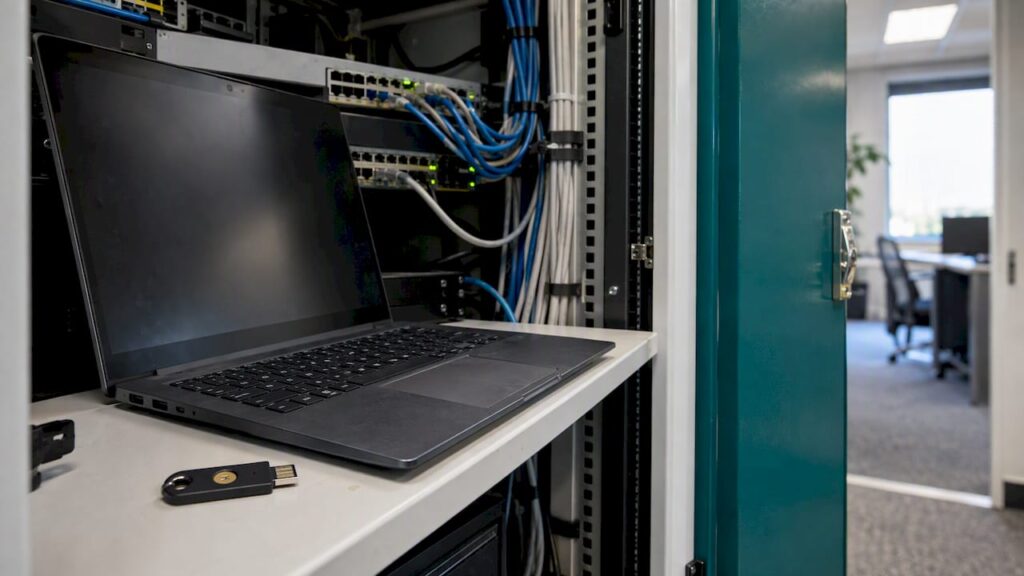
Automated monitoring often triggers the first response before a human notices anything is wrong. A network monitoring service watching servers, firewalls and endpoints overnight can raise an alert the moment a backup job fails or a device drops off the network, which starts the escalation clock well before a staff member would otherwise call it in.
Service hours, response commitments and what ‘response time’ actually means
Response time is the most misunderstood term in any out of hours contract. It almost always means the time to acknowledge and take ownership of a fault, not the time to fix it. A provider who promises a 30-minute response is promising someone will be working on your problem within 30 minutes, not that your server will be back online by then.
When comparing coverage options, weigh these trade-offs:
- Extended hours costs less but leaves a gap overnight when a failure could sit unresolved for several hours.
- Weekend-only cover suits businesses that trade mainly on weekdays but still run critical batch jobs or backups at weekends.
- Full 24/7 cover costs more to maintain but removes the overnight gap entirely, which matters most for businesses that cannot tolerate any unplanned downtime.
Practical limits apply regardless of the tier you choose. Onsite access outside building hours, the availability of third-party suppliers such as internet providers or hardware vendors, and surge pricing for out of hours callouts can all affect how quickly an issue is actually resolved, not just acknowledged.
Pro Tip: Ask any prospective provider to define “response time” in writing within the contract, not in a sales conversation, and insist the definition covers acknowledgement, named ownership and the escalation trigger if the first responder cannot fix it.
When to use out of hours support and how it connects to incident reporting
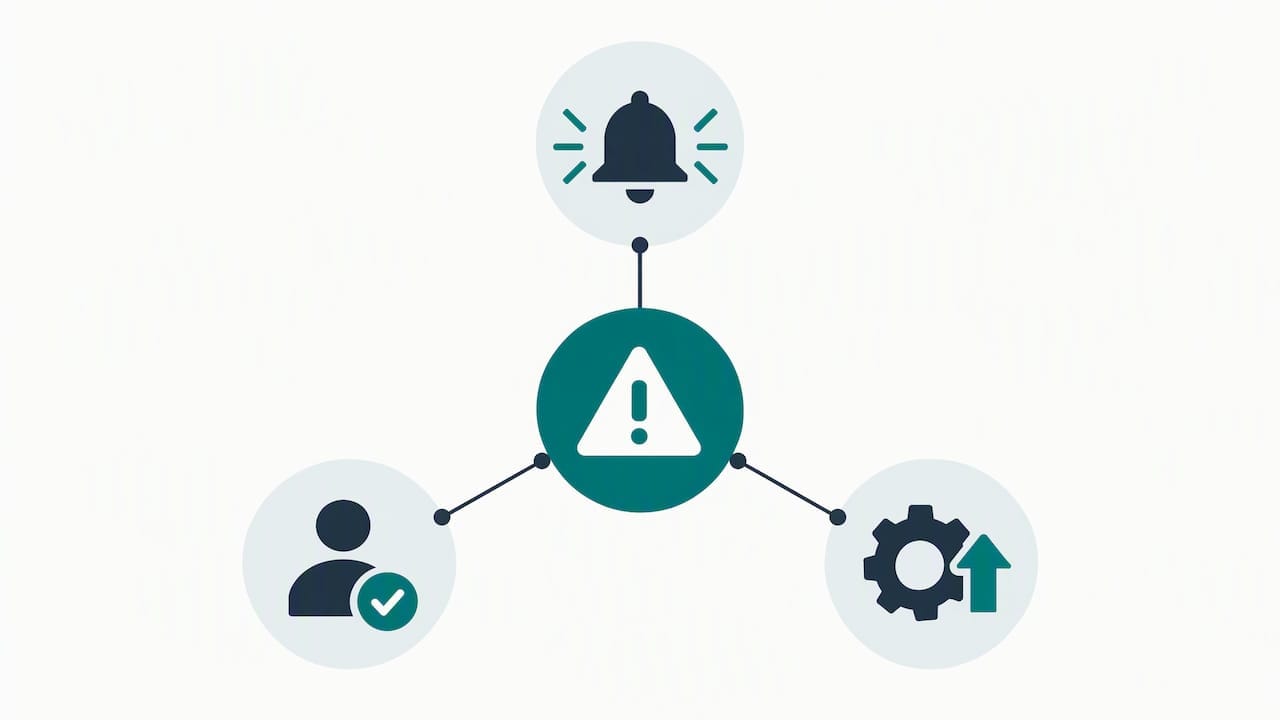
Not every overnight problem is an emergency. A single user unable to print at 9pm can wait. A ransomware alert, a company-wide outage, or unauthorised access to a core system cannot. The rule of thumb is simple: if the issue threatens data, access for multiple users, or a system the business depends on to trade, it goes to the emergency line immediately.
Issues that typically justify an out of hours call include:
- A live cyber attack in progress, such as ransomware encrypting files
- Total loss of network or server access affecting multiple staff or sites
- A failed backup on a system that cannot be left unprotected overnight
- Physical security or environmental failures affecting server rooms
For a live, in-progress cyber attack, UK organisations can report directly to the NCSC 24/7 reporting service, which treats live incidents as a priority and operates around the clock. This sits alongside, not instead of, your provider’s emergency line: NCSC reporting is the official route for serious live incidents, while your provider handles containment and recovery.
Temporary loss of access to files or networks rose to 7% of UK businesses in 2025, up from 4% in 2024, according to the Cyber Security Breaches Survey 2025/2026. That rise makes documented escalation paths for loss-of-access incidents increasingly relevant to ordinary business continuity planning, not just to cyber specialists.
How to evaluate and buy out of hours IT support
Specifying or assessing an out of hours contract comes down to checking a short list of essentials rather than taking a provider’s word for it.
A workable contract should include:
- Written hours of coverage, stated as specific days and times, not “extended hours” left vague
- A clear definition of response time that separates acknowledgement from fix
- A documented escalation chart naming who is contacted at each stage
- Evidence of active monitoring, not just a promise to answer the phone
- A defined on-call rota with named cover, and terms for surge or callout charges
When assessing a proposal, ask for these directly:
- An extract of the service level agreement covering out of hours terms specifically
- The escalation contact list, including a second contact if the first is unreachable
- References or examples of how an overnight incident was actually handled
Red flags are easy to spot once you know what to look for: no written escalation path, an emergency number that routinely goes to voicemail, or a provider that tries to use the emergency line for routine password resets instead of protecting it for genuine incidents.
Why this matters: UK evidence and what credible providers do
The case for planning out of hours cover is not theoretical. A significant proportion of UK businesses have identified a cyber breach or attack in the past year, according to the Cyber Security Breaches Survey 2025/2026, and the increase in loss-of-access incidents emphasises the importance of out of hours support to handle such scenarios.
NCSC guidance on incident management recommends pre-planned escalation paths that name technical, legal and communications contacts in advance, along with a considered choice of coverage hours that balances risk against cost.
Pre-planned escalation paths that list contacts and multiple contact methods materially improve incident handling under pressure.
We build our own out of hours arrangements around that same principle. Our Security by Default approach means monitoring and escalation are part of every support package from the outset, not an optional extra bolted on later, and our emergency IT support service is built on documented escalation paths rather than an informal on-call favour.
Getting out of hours cover in place with Abersecure
If your business cannot afford a silent overnight gap, the fix is a documented arrangement rather than hoping someone picks up the phone. We provide Out of Hours IT Support built on the same monitoring and escalation structure as our daytime service, so emergency calls are triaged by people who already know your systems, not a stranger reading a ticket for the first time.
For businesses that want ongoing monitoring and support bundled into one arrangement, our Managed IT Support service covers day-to-day helpdesk work alongside proactive oversight. Get in touch to talk through your current coverage gaps and what a documented escalation path would look like for your systems.
FAQ
What is 24/7 technical support?
24/7 technical support means a provider is reachable at any hour to acknowledge and begin working a fault, though “response” usually refers to acknowledgement and ownership rather than guaranteed resolution time. It typically combines monitoring, an on-call rota and a documented escalation path so incidents are handled consistently regardless of when they occur.
How much does IT support cost?
Cost depends on coverage hours, the number of devices or users covered, and whether support is bundled into a managed contract or billed as pay as you go. Our Managed IT Support, Pay As You Go IT Support and package options are available on request; pricing is not published and depends on your specific requirements.
Who should you contact if you need technical support?
For routine issues, contact your usual IT helpdesk during normal hours. For a live, in-progress cyber attack, UK organisations can report directly to the NCSC 24/7 reporting service on 0300 123 2040, alongside notifying your own provider’s emergency line.
What does an IT support company do?
An IT support company manages the day-to-day running of computer systems, networks and devices, including monitoring, patching, help desk requests and incident response when something fails. Many also provide out of hours or emergency cover so that business-critical faults are triaged and escalated outside normal working hours, not left until the next working day.