

Microsoft 365 security is strong out of the box in some areas and thin in others. The platform gives you the tools; whether your business is protected depends on which licence you hold, which settings are switched on and who watches them afterwards. This guide sets out what to configure first, what to avoid and when to bring in help.
The NCSC makes the same point: how safe a cloud service is depends on the version you buy and the settings you apply, and those settings should match your own appetite for risk. Treat it as an ongoing process, not a one-off setup.
What Microsoft 365 security covers, and what it leaves to you
Microsoft protects its own infrastructure. You are responsible for your users, your devices, your data and your configuration. The ICO describes this as a shared responsibility model, and it expects the business decision-maker to understand where the line sits, including when an outside supplier manages your IT.
The licence matters a great deal. Microsoft 365 Business Premium bundles five security services rather than selling them as add-ons:
- Microsoft Defender for Business for device protection against ransomware and other threats
- Microsoft Defender for Office 365 Plan 1 for phishing protection across email and collaboration tools
- Microsoft Entra ID Plan 1 for identity management, multifactor authentication and conditional access
- Microsoft Intune Plan 1 for managing company and personal devices
- Microsoft Purview for data classification, message encryption and data loss prevention
If your business runs on a basic plan, many of these controls are missing, however carefully the remaining settings are chosen. Check your licences before you plan anything else. Microsoft’s own Business Premium security guidance is the best reference for the setup steps once you know what you hold.
Start with identity: MFA done properly
Most Microsoft 365 compromises begin with a stolen or guessed credential, so identity is the first thing to harden. Multifactor authentication (MFA) is the baseline, but not all MFA is equal.
The NCSC ranks methods by strength. In order, from strongest: FIDO2 credentials, challenge-based authenticator apps, app-based code generators, hardware code generators, and finally message-based methods such as SMS or email. Its recommended types of MFA guidance puts FIDO2 first because of its resistance to phishing, and advises authenticator apps over SMS or voice where FIDO2 is not practical, to reduce the risk of SIM-swapping and interception.
In practice, for a small business:
- Enforce MFA for every user, with no exceptions for directors.
- Move administrators to FIDO2 security keys first.
- Use an authenticator app for everyone else, and retire SMS where you can.
- Keep at least two emergency admin accounts, so a lost key does not lock you out. Our guide to Microsoft 365 MFA for UK admins using FIDO2 covers how to set these up.
Avoid the common MFA mistakes
The NCSC also lists MFA anti-patterns: repeated but ineffective approaches that leave organisations exposed. Forcing frequent re-authentication or password expiry is a typical one, because it trains people to type credentials into any page that asks, including fake ones. Risk-based conditional access, which asks for more proof only when a sign-in looks unusual, is the better route.
Protect email, where most attacks arrive
Email remains the main route for phishing and invoice fraud. Three layers are worth getting right.
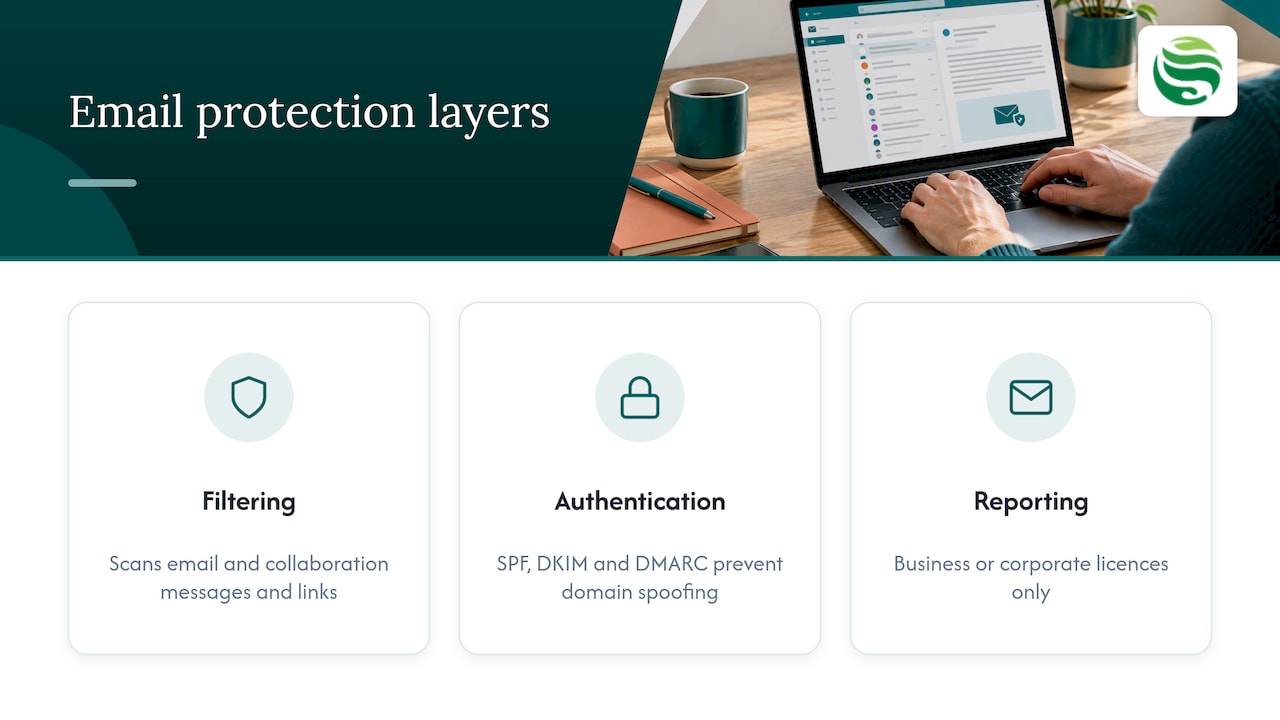
Filtering and anti-phishing. Defender for Office 365 scans messages and links in email and collaboration tools. Review the policies rather than assuming defaults suit your business. If you want a closer look at what dedicated protection adds, see our advanced email security service.
Sender authentication. SPF, DKIM and DMARC stop others spoofing your domain and help your genuine email reach inboxes. A clear explanation of Office 365 spam filtering and email authentication shows how these records work alongside Microsoft’s own filtering.
Easy reporting for staff. The Report Phishing add-in only works with business or corporate Microsoft 365 licences, not home or student ones, which catches out firms that mix personal and business subscriptions. The NCSC explains how to configure the add-in so reports also reach its Suspicious Email Reporting Service.
Secure devices and data
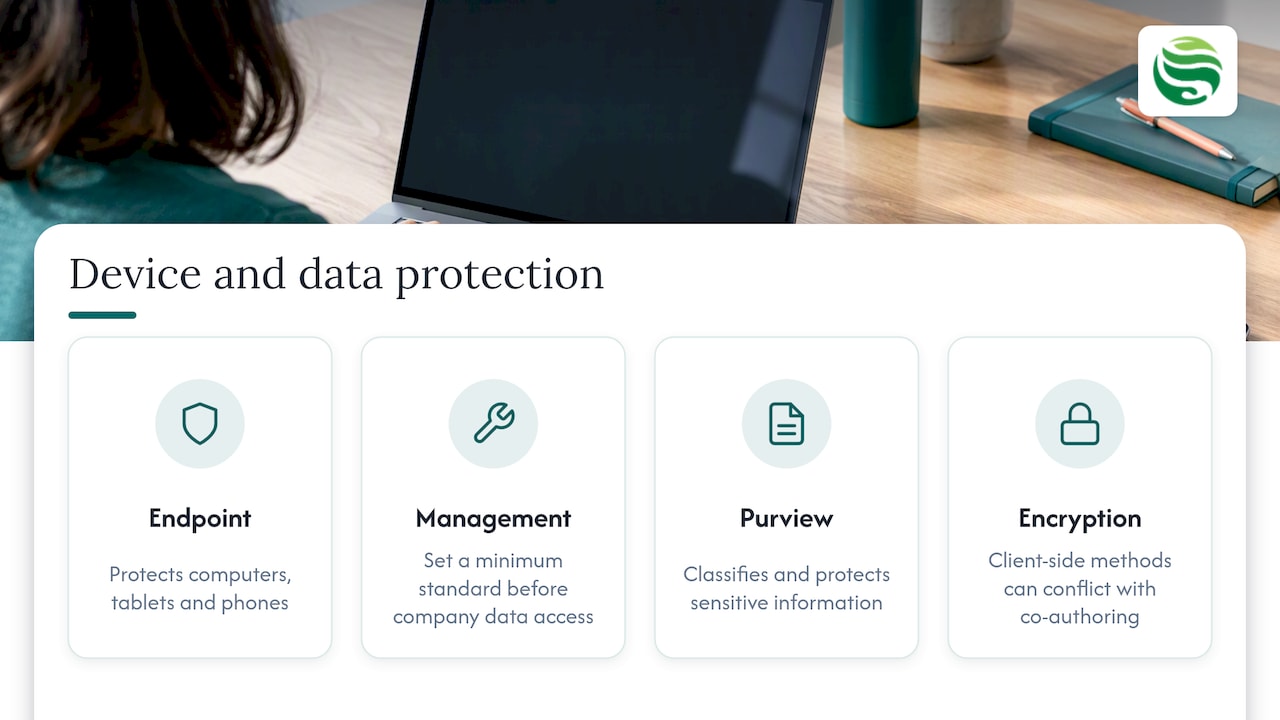
A protected account on an unprotected laptop is still a weak point. Defender for Business offers endpoint security for small and medium-sized businesses across computers, tablets and phones, and it is available standalone or within Business Premium. Pair it with device management through Intune so that every device meets a minimum standard before it touches company data. Our overview of Intune device management for UK small businesses explains the approach.
For data, Microsoft Purview Information Protection lets you classify and protect sensitive information. Be realistic about encryption, though. Cloud providers commonly encrypt data at rest, but the ICO notes that for highly sensitive data you should assess whether further encryption is needed, and that client-side approaches can conflict with features such as co-authoring.
Do not forget backup
Microsoft 365 is not automatically a backup of your business. Accidental deletion, ransomware and account compromise can all damage data that you assumed was safe. We have set out the gaps in our article on Microsoft 365 backup for UK IT teams, and our backup and disaster recovery service is built to close them.
A Microsoft 365 security checklist for the first month
Use this order. It puts the highest-impact controls first and keeps the workload realistic for a small team.
- Confirm your licences. Know whether you hold Business Premium or something lighter, and what that includes.
- Enforce MFA for all accounts. Use FIDO2 for admins and authenticator apps for staff.
- Create emergency admin accounts. Store them securely and test them.
- Review conditional access. Prefer risk-based rules over forced re-authentication.
- Tighten email protection. Check anti-phishing policies and publish SPF, DKIM and DMARC records.
- Enrol devices. Apply endpoint protection and a minimum device standard.
- Switch on phishing reporting. Configure the add-in and brief your staff.
- Check your backups. Test a restore, not just the schedule.
- Review Secure Score recommendations. Use the score as a to-do list, not a target to chase at any cost.
- Document the decisions. Record who owns each control and when it was last reviewed.
UK data protection adds a further duty. The ICO expects you to act as a responsible data controller, which includes a DPIA screening before you introduce a new cloud system, checking the provider’s security guarantees and having a contract that sets out processing obligations. Microsoft also commits to storing UK Customer Data at rest in the UK for instances provisioned there.
Keeping Microsoft 365 security in place over time
A tidy setup in January can drift by June. New starters, leavers, shared mailboxes, changed licences and new apps all alter your exposure. That is why continuous oversight matters more than the initial configuration: someone has to watch alerts, review settings, apply patches and act when something looks wrong.
Businesses without an in-house IT team usually have three options: a member of staff doing it alongside their day job, an hourly arrangement for occasional help, or a managed provider with ongoing responsibility. Ask any supplier how they handle the shared responsibility split, and how they review their own supplier risks. Our piece on vendor risk management shows how UK guidance translates into practice.
How Abersecure supports Microsoft 365 security
We provide IT support and cyber security for businesses in Aberdeen and Aberdeenshire, with Security by Default as our standard practice rather than an optional extra. For Microsoft 365, our Microsoft 365 management services cover the day-to-day running of your tenant, and our managed cyber security service adds monitoring and specialist oversight. If you would rather start with a conversation about what is in place today, get in touch and we will talk it through.
Frequently asked questions
Does Microsoft 365 have built-in security?
Yes, but the level depends on your plan and your configuration. Business Premium includes identity, device, email and data protection services, while lighter plans include fewer. Even the strongest licence needs its settings reviewed and monitored.
Is MFA enough to secure Microsoft 365?
It is the most important single step, but not the only one. Method choice matters, with the NCSC placing FIDO2 first and SMS last. You still need email protection, device security, tested backups and regular review.
Does Microsoft 365 have built-in antivirus?
Endpoint protection comes through Microsoft Defender, and Defender for Business is available standalone or within Business Premium. Check that it is actually deployed and reporting on every device, including laptops used away from the office.
Can a small business manage Microsoft 365 security without an IT team?
The initial setup is achievable with good guidance. The harder part is continuous monitoring and review, which is where an outsourced or managed arrangement tends to help.