

Teams governance is the set of rules and technical controls that decide how Microsoft Teams is used in your business: who can create a team, what it is called, who can join, who administers it and what happens when it goes quiet. Without it, Teams grows into a tangle of duplicate teams, forgotten guests and over-privileged administrators. With it, Teams stays easy to use and easy to protect.
This guide sets out a workable approach for small and medium-sized businesses, including those in Aberdeen and Aberdeenshire without a dedicated IT department. It covers the decisions to make, the controls that matter most and how to keep them in place.
Why Teams governance is a lifecycle job, not a one-off setup
Many businesses treat Teams as a chat tool. It is more than that. Every team sits on a Microsoft 365 Group, which is the membership service behind shared resources across Microsoft 365. Adding someone to a team therefore grants access to more than conversations, including the files and other tools tied to that group.
That is why Teams governance cannot be a single afternoon of configuration. People join, change role and leave. Projects start and end. A team created for a tender in 2023 may still hold client documents today, with members who left long ago.
A sound approach follows the life of a team:
- Creation: who may create a team, and for what purpose.
- Naming and ownership: how a team is identified and who is accountable for it.
- Membership and access: who is added, including guests and external parties.
- Review and expiry: how inactive teams are renewed, archived or deleted.
The same sequence is often called Teams lifecycle management. The two phrases describe the same discipline: decide the rules, apply them with tools, then review them regularly.
Decide the rules before you touch the settings
Technology projects tend to stumble when stakeholders hold different expectations. Microsoft’s own deployment planning guidance stresses agreeing roles and outcomes between IT administrators, security owners, compliance managers and HR from the start. In a small firm those roles may sit with two or three people, but the principle holds.
Before changing any setting, write down answers to these questions on one page:
- Who owns Teams? One named person, not “IT” in general.
- Who can create teams? Everyone, a trained group, or by request.
- Which data belongs in Teams? For example, whether client personal data or contracts may be shared there.
- Are guests allowed? If so, who approves them and for how long.
- What happens when someone leaves? HR and IT should agree who triggers removal and how quickly.
This one page is your governance policy. It does not need to be long. It needs to be agreed, dated and reviewed.
The controls that matter most
Microsoft publishes a full Teams settings and policies reference, and it is easy to get lost in it. For a small business, concentrate on five areas.
Team creation and naming
Open creation leads to sprawl: several teams for the same project, with unclear names. Many SMEs are better served by letting a small group of trained staff create teams, or by asking staff to request one. A consistent naming convention (client or department, then purpose) makes teams searchable and makes later reviews quicker.
Ownership
Every team should have at least two owners. A team with a single owner who leaves becomes an orphan that nobody can manage or approve. Owners should know they are responsible for membership and for deciding when the team is no longer needed.
Expiry and renewal
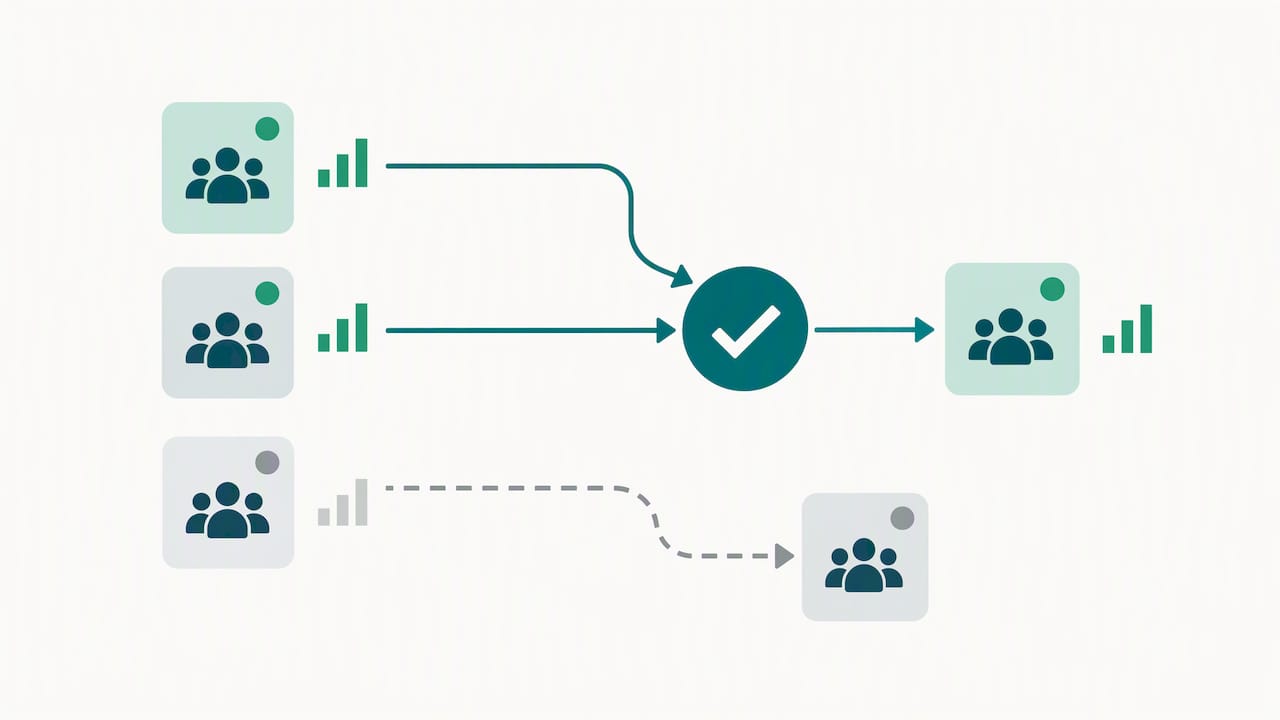
Microsoft Entra can apply an expiration policy to Microsoft 365 groups, and groups can be renewed automatically based on recent activity in services such as Teams, Outlook and SharePoint. Owners are asked to confirm teams that are still needed, and unused ones can lapse. This is the most effective single defence against teams sprawl, and it keeps old client data from sitting unreviewed.
Guest and external access
External collaboration is useful and risky in equal measure. Decide which domains and which people may be invited, and review the guest list on a schedule. A guest who finished their work last year should not still be able to open your files.
Sensitive information
The NCSC’s secure communication principles ask organisations to weigh functionality, security and privacy together when assessing a product such as Teams. Make that practical: say in your policy which categories of data must not be pasted into chats, and which must stay in controlled locations.
Administrator roles and least privilege
Governance fails quickly when too many people hold full administrator rights. Microsoft lets you assign Teams administrator roles through Microsoft Entra ID, including Teams Administrator, Teams Communications Administrator, Teams Communications Support Specialist, Teams Device Administrator, Teams Reader and Teams Telephony Administrator. Each has a narrower scope than a global administrator.
In practice:
- Give the person who troubleshoots call quality a communications support role, not a broad admin role.
- Give the person who manages meeting room devices a device administrator role.
- Give read-only reviewers the Teams Reader role.
- Keep the number of full administrators as low as your business can manage, and review the list at least quarterly.
This is the principle of least privilege applied to Teams. It limits the damage if an account is compromised and it makes audits simpler.
Joiners, movers and leavers
Most governance gaps appear when people change jobs. Microsoft Entra ID Governance includes Lifecycle Workflows alongside access reviews and entitlement management, designed to automate parts of onboarding and offboarding. Whether or not you use those tools, the process must exist.
The NCSC’s guidance on using software as a service securely lists 13 actions, including managing user onboarding and offboarding, protecting application administration, managing standard user permissions and monitoring for security incidents. Teams falls squarely within that guidance.
A simple checklist works well:
- HR notifies IT of a start, move or leave date.
- Access to teams is added or removed by role, not by individual request.
- Ownership of any team the person led is reassigned.
- Guest accounts linked to the person are reviewed.
- The change is logged.
Connecting Teams governance to board-level cyber governance
Teams governance is one practical piece of wider cyber governance. The UK government’s Cyber Governance Code of Practice, published in April 2025, sets out five principles for boards and directors: risk management, strategy, people, incident planning (response and recovery), and assurance and oversight. It stresses embedding cyber security into existing internal controls rather than treating it as an IT-only issue.
The NCSC’s 2025 Annual Review notes that the Code is aimed at medium and large organisations, but smaller businesses are still encouraged to apply its principles. For an SME, that translates neatly:
- Risk management: include Teams data and guest access in your IT risk assessment.
- People: train staff on what belongs in Teams and how to report suspicious messages.
- Incident planning: know how you would respond if a Teams account were taken over, and keep a ransomware response plan ready.
- Assurance and oversight: review owners, admins and guests on a fixed schedule and report the results to leadership.
If you are deciding which formal assurance route suits your business, our comparison of Cyber Essentials and ISO 27001 is a sensible next step.
How Abersecure supports Teams governance
Small firms rarely have the time to maintain these controls month after month, and Teams governance is the sort of task that slips when it belongs to everybody. We provide Microsoft 365 management and managed IT support for businesses in Aberdeen and Aberdeenshire, working to a Security by Default approach so that security is built in rather than added later. If you need help setting up or reviewing your Teams rules, or would rather call on specialist hours as needed, our pay as you go IT support is another route. Speak to us through our website to discuss what suits your business.
Keeping it working: a quarterly review
Governance only holds if someone checks it. A short quarterly review is enough for most SMEs:
- Compare the list of administrators against current responsibilities.
- Check every team has two named owners.
- Review guests and remove those no longer needed.
- Look at teams flagged for expiry and confirm or retire them.
- Confirm staff know how to report phishing. The NCSC explains how to configure the Report Phishing add-in for Outlook so reported messages reach the right place.
Record the date and the outcome. That record is the evidence that your Teams governance is a living process and not a document in a drawer.
FAQ
What is Teams governance?
It is the policies and technical controls that manage how Teams is created, named, joined, administered and retired. It covers both the rules people follow and the settings that enforce them.
Does a small business really need Microsoft Teams governance?
Yes, though it can be light. Even a firm with 20 staff accumulates old teams, external guests and shared files. A one-page policy, two owners per team, sensible admin roles and an expiry policy cover most of the risk.
Who should own governance of Teams?
One named person should be accountable, usually an IT manager, an operations lead or an outsourced IT manager. Day-to-day decisions can be shared, but someone must own the policy and the quarterly review.
How often should we review Teams?
Quarterly suits most SMEs for admin roles, owners and guests. Review sooner after a restructure, a major departure or a security incident.
Is Teams governance the same as cyber security?
No, but it supports it. Governance defines who can do what and when access ends. Security tooling such as monitoring and endpoint protection then helps detect and contain problems, so you need both.