

Security by default means shipping a product with its strongest practical settings already switched on, so users never have to opt in to be protected. The NCSC describes it as security embedded from inception and frictionless for the user. Your next step is simple: make the secure configuration the default one.
What does security by default mean, and how is it different from secure by design?
Secure by design is a development process: security is built into the lifecycle, from requirements through release. Security by default concerns the finished product: the Software Security Code of Practice guidance says the delivered configuration should be secure without any extra action by the user. Teams often conflate the two, then wonder why a well-engineered product still ships with weak settings.
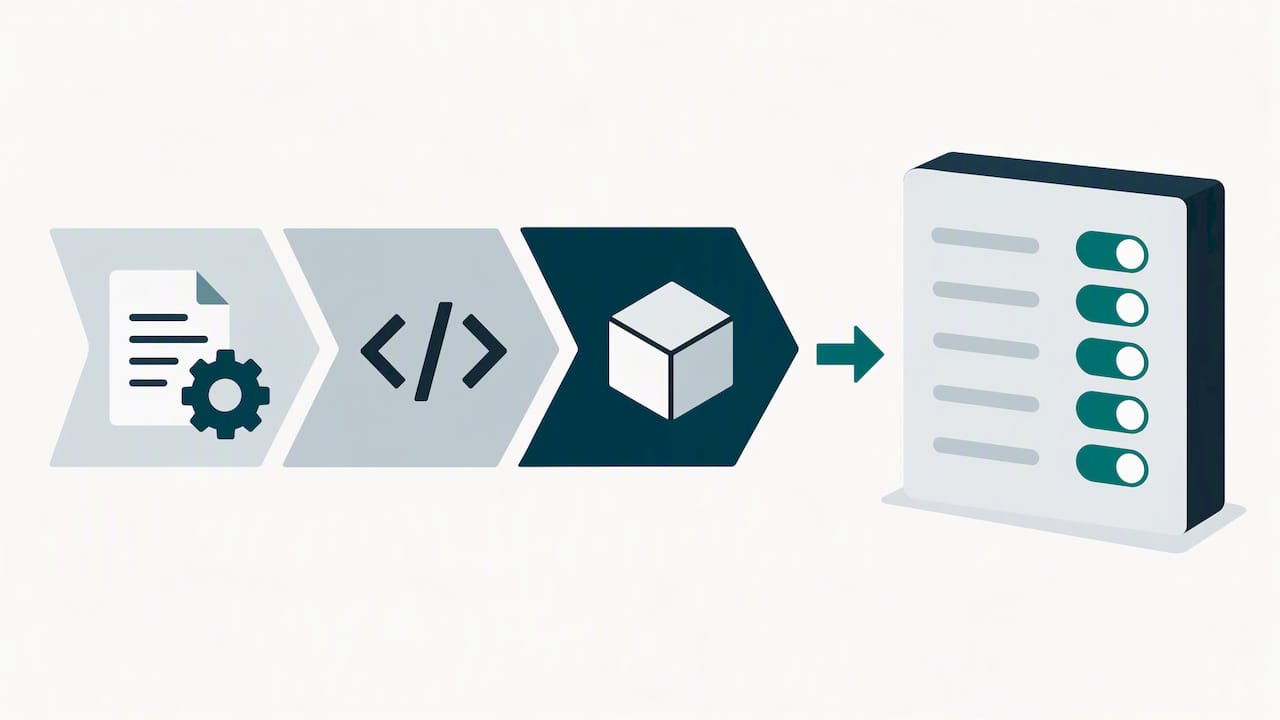
The NCSC also stresses that this is an ethos, not a certification. There is no badge to earn, only a design principle you apply and keep applying. The Gov puts responsibility on senior owners to apply it throughout development.
The two ideas connect like this:
- Threat modelling during design becomes least-privilege permissions at first install.
- Secure coding standards become input validation and safe error handling that users cannot switch off.
- Dependency review becomes a shipped component list that operations can inspect.
- Release testing becomes updates that arrive tested, signed and ready to deploy.
Which technical controls should every product enable by default?
Start with controls that stop trivial exploitation. Each one removes a decision from the user and a gap from the attacker.
- Phishing-resistant sign-in first. Where feasible, default to FIDO2 credentials and passkeys. The NCSC comparison of credential types recommends adopting them where possible, because they resist phishing better than many conventional methods. Where they are not feasible, use strong multi-factor authentication.
- No shared or pre-set passwords. Avoid shared or pre-set passwords, and consider using unique credentials for each device or account. The NCSC device security principles note that default passwords offer little to no protection.
- Legacy protocols off. Password-only interfaces undermine everything in front of them. The NCSC’s guidance on MFA anti-patterns is clear that these must be replaced or disabled, not just covered with MFA at the front door. Remove unauthenticated interfaces too.
- Consider encryption and monitoring from the outset. Assess how HTTPS/TLS, secure cookie attributes, encryption at rest, logging and telemetry could support your security requirements.
- Least privilege at first install. Ship role-based access with minimal rights, so widening access is an explicit decision.
Pro Tip: Test your install flow as a stranger would: if a fresh deployment is reachable with a known username and password, the default is not secure yet.
We apply this thinking with clients through our security by default approach, and our guide to Microsoft 365 MFA with FIDO2 shows how authentication defaults work for administrators, including emergency accounts.
How should patching and updates work by default?
A secure default decays unless updates keep pace. The NCSC vulnerability management guidance advises testing and rolling out updates for internet-facing services within a 5-day window. That balances speed against uptime.
In practice, that means:
- Automatic updates on by default for operating systems and applications, with controls that let operators schedule or defer where they must.
- Staging tests before wider rollout and a documented rollback procedure.
- Infrastructure as code and image replacement in place of hand-patching individual servers, which the NCSC identifies as the way to keep up.
- A coverage measure: the share of your estate that updates automatically.
For fleets of laptops and servers, endpoint management can help organisations track update coverage. Email is another place where defaults matter: this explainer on SPF, DKIM and DMARC covers how authentication settings for your sending domain protect it from spoofing.
Which supply chain and dependency controls belong in the defaults?
Third-party components become your weakness the moment nobody is watching them. The Software Security Code of Practice guidance advises mandating secure practices from suppliers, keeping a Software Bill of Materials (SBOM) and regularly assessing third-party components for vulnerabilities.
Make these steps automatic rather than optional:
- Generate an SBOM in every build and keep it where operations can find it.
- Run dependency scanning continuously and triage findings to a named owner.
- Assess open-source components before adoption.
- Design so that risky libraries can be swapped or isolated, instead of letting them persist because removal is painful.
The Home Office’s guidance on managing software dependencies says the same in practical terms: keep a discoverable dependency tree, scan it, and regularly update, replace or remove what you rely on.
How do you make secure defaults repeatable across releases?
A default that depends on one engineer’s memory will not survive the next team change. Build the habit into your pipeline and process.
- Threat model early, then revisit. The secure development theme of the code of practice lists threat modelling alongside strong authentication for privileged users and avoiding hard-coded credentials.
- Protect the build environment. Consider controls over who can change pipelines, sign artefacts and access logs, as part of protecting the build environment.
- Automate checks in CI. Consider automated security checks, SBOM generation and configuration-drift testing as part of your build process.
- Make onboarding safe. Installation flows should leave secure settings in place, and reducing protection should take an explicit, recorded action.
- Plan for response. Plan logging and contact routes so incident response can be considered before release.
How do you verify that your defaults actually work?
Claims of security by default mean little without evidence. Combine pre-release tests with production signals:
- Automated CI checks that fail a build when a configuration is insecure or has drifted from baseline.
- Runtime telemetry and logging that confirm deployed systems match intended settings.
- Periodic audits, red team exercises and third-party assessments of default configurations.
- Tracked measures, such as the proportion of services using phishing-resistant authentication and the share of your estate that updates automatically.
Credential abuse is a leading cause of compromise, per the NCSC’s FIDO2 comparison. That is why authentication coverage is worth measuring first, though recovery paths and the sync fabric still need protecting.
Our IT risk assessment guide gives a structured way to find where your current defaults fall short.
How can we help you put security by default into practice?
Discuss with us how security could be addressed as part of your support arrangements. For small and medium-sized businesses without a large in-house team, our managed cyber security and managed IT support provide IT and security support, and our cyber security services include incident response, security awareness training and cyber risk assessment.
Here are four things you can ask your vendors or internal team for now:
- A cyber risk assessment that lists settings still at their insecure defaults.
- A written update policy with a phased rollout and rollback plan.
- SBOM generation for the software you depend on.
- A FIDO2 rollout plan for your most sensitive accounts.
If you would like a risk-focused review of your current configuration, get in touch through our managed cyber security page and we will take it from there.
FAQ
What does security by default mean in practice?
It means a product arrives with its most secure practical configuration already enabled, so users need not turn protections on themselves. The NCSC treats it as an ethos rather than a certification.
How is security by default different from secure by design?
Secure by design builds security into the development lifecycle. Security by default makes sure the delivered product’s secure configuration needs no extra action, as the Software Security Code of Practice guidance explains.
Why are default passwords a security by default failure?
Pre-installed or shared passwords give attackers a known way in, and the NCSC notes they offer little to no protection. Unique, randomly generated credentials at setup, or passkeys, remove that weakness.
How should updates be rolled out by default?
Use automatic updates with a phased rollout so you can pause or roll back if problems appear. The NCSC suggests 10% of an estate per day as an example.