
The main endpoint monitoring benefits are earlier detection of problems, continuous visibility of every laptop, desktop and server, and someone accountable for acting when an alert fires. For a small or medium-sized business without an in-house IT team, the strongest case is not the software itself but having it watched around the clock by people who know your environment. That is how our managed IT support works: 24/7 endpoint monitoring sits inside the service, alongside our Security by Default approach.
This guide explains what endpoint monitoring covers, the benefits that matter to a business of 5 to 250 people, how it relates to EDR, and how to decide what level of cover you need.
What endpoint monitoring actually covers
An endpoint is any device that connects to your systems: laptops, desktops, servers, and increasingly phones and tablets. Endpoint monitoring means collecting information from those devices continuously and acting on it. That includes device health, missing updates, unusual behaviour and signs of malicious activity.
The UK’s National Cyber Security Centre (NCSC) describes security monitoring as fundamental to effective cyber defence: it helps organisations spot potentially malicious activity using established detections and alerts. The same NCSC piece makes a point worth remembering. Systems must record the right security data, and defenders must be able to reach it, otherwise a investigation can reveal gaps in what you can see.
In practice, monitoring is only as good as two things: what the devices report, and who reads it.
1. Problems are found before users notice them
Without monitoring, most issues arrive as a phone call: a laptop is slow, a file will not open, something looks odd. That is the “constant firefighting” pattern, where your team finds out last.
With monitoring, a failing disk, a device that has stopped updating or an unusual process is flagged as it develops. The fix is scheduled, not rushed. For a business with 20 staff, a single lost working day across the team is a real cost, so catching a fault early is a direct saving in time.
2. You can see every device, including the forgotten ones
Most small businesses cannot say with confidence how many devices touch their data. Home-working laptops, a spare machine in a drawer and a director’s old tablet all count.
Monitoring gives you a single, current list of devices, their operating system versions and their state. That visibility is the foundation for everything else: you cannot patch, protect or retire what you do not know exists. Our endpoint management service is built around 24/7 secure device monitoring, so the inventory stays current as staff and equipment change.
If you also run virtual servers, learning to read usage charts and alerts helps you tell a normal busy period from a genuine warning sign.
3. Threats are caught earlier, which limits the damage
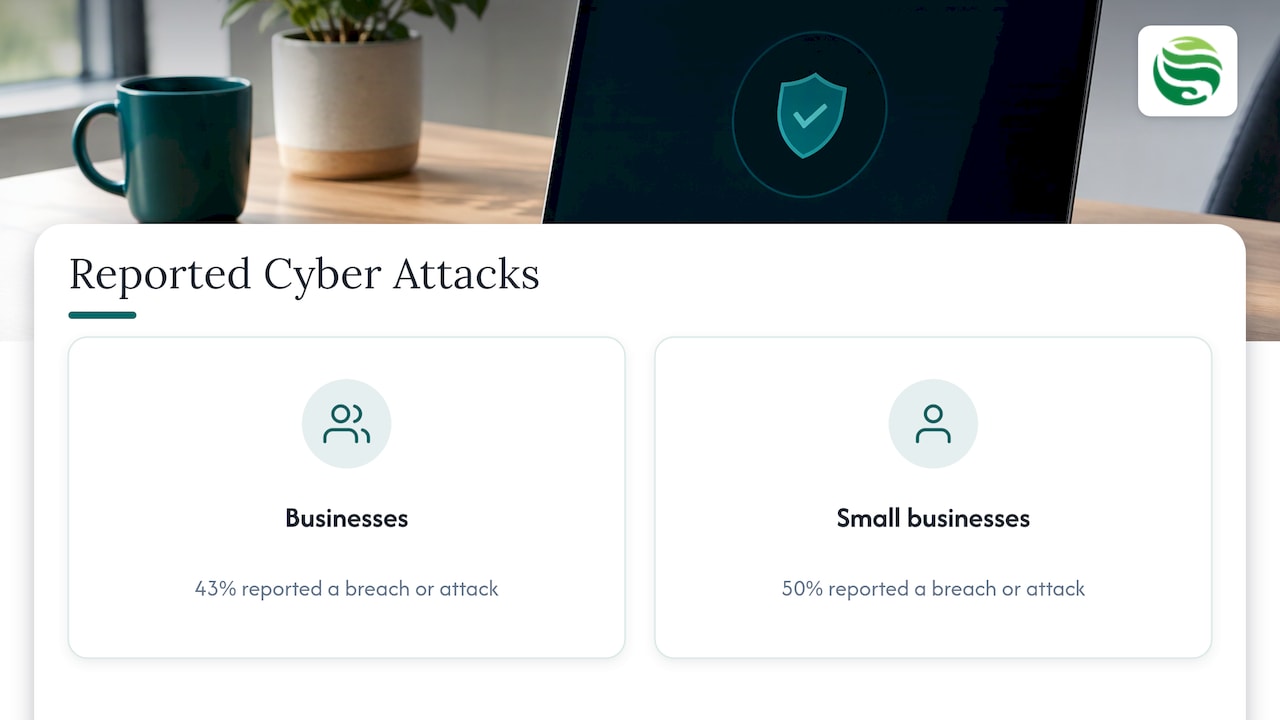
The Cyber security breaches survey 2025 from the UK Government found that 43% of businesses reported a cyber breach or attack in the previous 12 months, and 50% of small businesses did. Those figures come from a survey covering that period, so look at the latest edition for updated numbers.
The point for you is practical. Attacks such as ransomware rarely succeed in a single step; they involve a sequence of actions on a device. Continuous monitoring gives a chance to see that sequence start and stop it before data is encrypted or copied. If you want the wider defence plan, our guide to ransomware protection for SMEs covers it.
4. Out-of-hours cover closes the gap attackers use
A monitoring tool that raises an alert at 2am helps only if somebody reads it. This is the real difference between software you own and a service you can rely on.
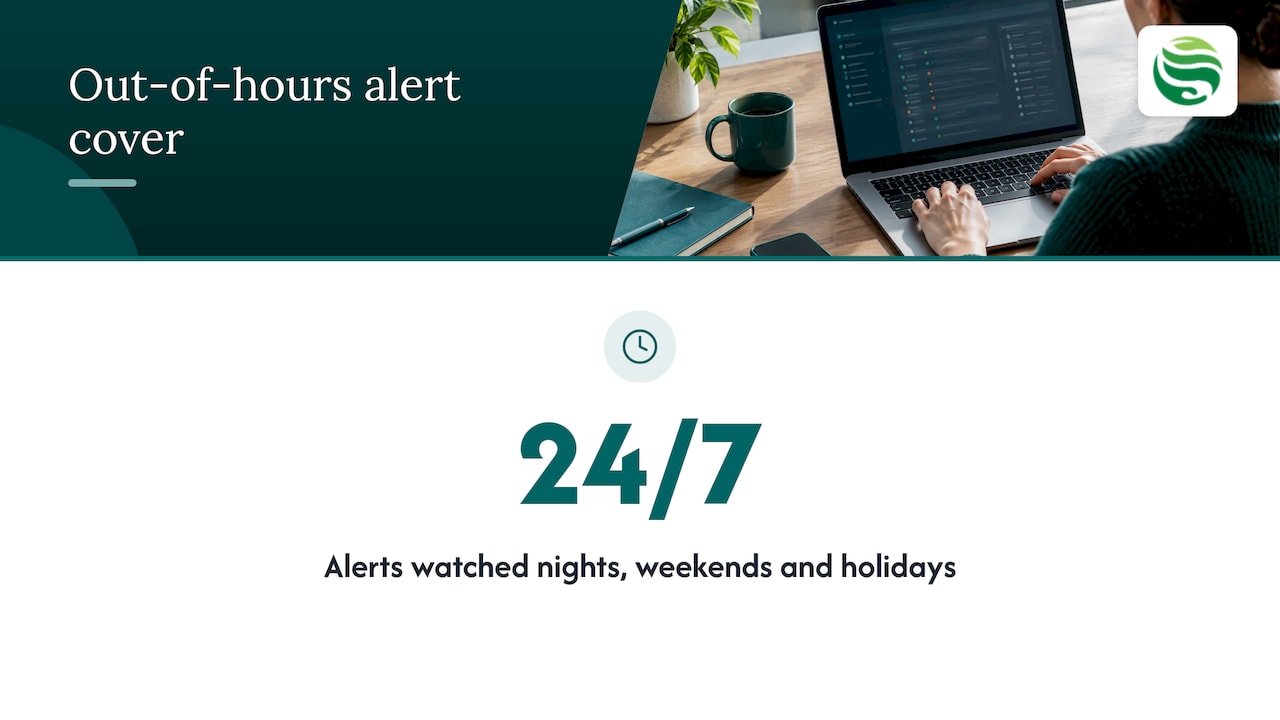
Continuous, 24/7 endpoint monitoring means alerts are watched outside office hours, at weekends and over holidays, when a small team is least able to respond. For Aberdeen firms with offshore, shift-based or early-start staff, working hours are rarely 9 to 5, and neither are the risks. We offer out of hours IT support as part of our packages, so an alert has an owner at any time.
5. Patching and compliance become routine
Missing updates are one of the commonest ways in. Monitoring shows which devices are behind, so patching is managed from facts, not guesswork. We manage this through our IT support services, which include patch management.
It also helps if you work towards Cyber Essentials, the Government-backed certification scheme, or answer security questions from customers. Being able to show a device list and update status makes those conversations simpler.
Endpoint monitoring, endpoint security and EDR: how they fit
The terms overlap, and suppliers use them differently. A simple way to separate them:
| Term | What it does | Question it answers |
|---|---|---|
| Endpoint monitoring | Watches device health, updates and activity continuously | What is happening on my devices? |
| Endpoint protection | Blocks and removes malicious software | Is this device defended? |
| EDR (endpoint detection and response) | Records device behaviour, detects suspicious activity and lets someone contain it | Has something got past the defences, and can we stop it? |
| Managed detection and response | EDR watched and acted on by a security team | Who responds when it fires? |
For a small business, EDR is the strongest layer, but only when a person is watching it. That is why we pair monitoring with endpoint protection for business and offer Managed Detection and Response within our packages. Monitoring, protection and response work as one service, in line with Security by Default, rather than as separate add-ons you must assemble.
Deciding what level of monitoring you need
Use these questions to set the right level:
- Who reads the alerts today? If the answer is “whoever notices”, you have tooling but not monitoring.
- How many devices are outside the office? Remote and hybrid staff widen the area to watch.
- What would a day without systems cost? That figure sets how much cover is proportionate.
- Do you hold customer or regulated data? If so, a more complete package, such as our Advanced or Enterprise options, suits you better.
- Do you have in-house IT? If not, an outsourced model gives you continuous cover without hiring.
If your needs are occasional, pay as you go IT support gives you on-demand help, while a managed contract suits businesses that want constant oversight.
How we approach it at Abersecure
We provide IT support and managed cyber security for businesses in Aberdeen and Aberdeenshire, with over 19 years of experience across 27 countries. Security is built into every support package as standard, with continuous endpoint and infrastructure monitoring and specialist escalation, so security and day-to-day management are handled together. If a serious event occurs, incident response is part of what we offer. To discuss the right level of cover for your devices, see our managed cyber security service.
FAQ
Is endpoint monitoring the same as antivirus?
No. Antivirus blocks known malicious files on a device. Endpoint monitoring watches the whole device continuously, including health, updates and unusual behaviour, and raises alerts for someone to act on. The two work best together.
Do small businesses need EDR?
Small businesses are targeted as often as larger ones: the Government’s 2025 survey found 50% of small businesses reported a breach or attack in the past year. EDR helps you see and contain an attack that has got past basic defences, and it works best when someone monitors it around the clock.
What does 24/7 endpoint monitoring involve?
Devices report continuously to a monitoring platform, and alerts are reviewed outside office hours as well as during them. When something needs action, a person investigates and responds. Our service combines endpoint monitoring with escalation to specialists.
Do I need monitoring if my staff work from home?
Yes, arguably more so. Devices outside the office network are harder to see and update, and monitoring gives you the same visibility of a home laptop as one at your desk.