

In the Windows 365 vs AVD decision, the short answer is this: choose Windows 365 if you want a simple, fixed-cost Cloud PC for each person, and choose Azure Virtual Desktop (AVD) if you need control, shared multi-session desktops or variable usage. Smaller teams with standard roles usually land on the first. Larger or more specialised environments usually need the second. Some use both.
Both are Microsoft cloud desktop services, and both let staff reach a Windows desktop from almost any device. The differences that matter are who manages the infrastructure, how you are billed, and how much security configuration you take on.
Windows 365 vs AVD at a glance
| Windows 365 | Azure Virtual Desktop | |
|---|---|---|
| Model | Software as a service, one Cloud PC per user | Infrastructure service in your own Azure subscription |
| Who manages the machines | Microsoft | Your IT team or your IT provider |
| Billing | Fixed monthly fee per user | Pay for the Azure compute and storage you use, plus eligible licences |
| Desktop type | Persistent, personal | Personal or shared multi-session |
| Best for | Small teams, standard roles, predictable budgets | Larger teams, variable use, custom governance |
The management split is the main differentiator. Windows 365 is managed by Microsoft, so there are no virtual machines for your team to maintain, while AVD gives full control over host pools, custom images and networking. That control is a strength if you have the skills to use it, and a burden if you do not.
How Windows 365 works
Windows 365 gives each user a dedicated Cloud PC that behaves like their own computer. Their files, apps and settings are still there when they sign back in. There are no host pools to build and no scaling rules to write.
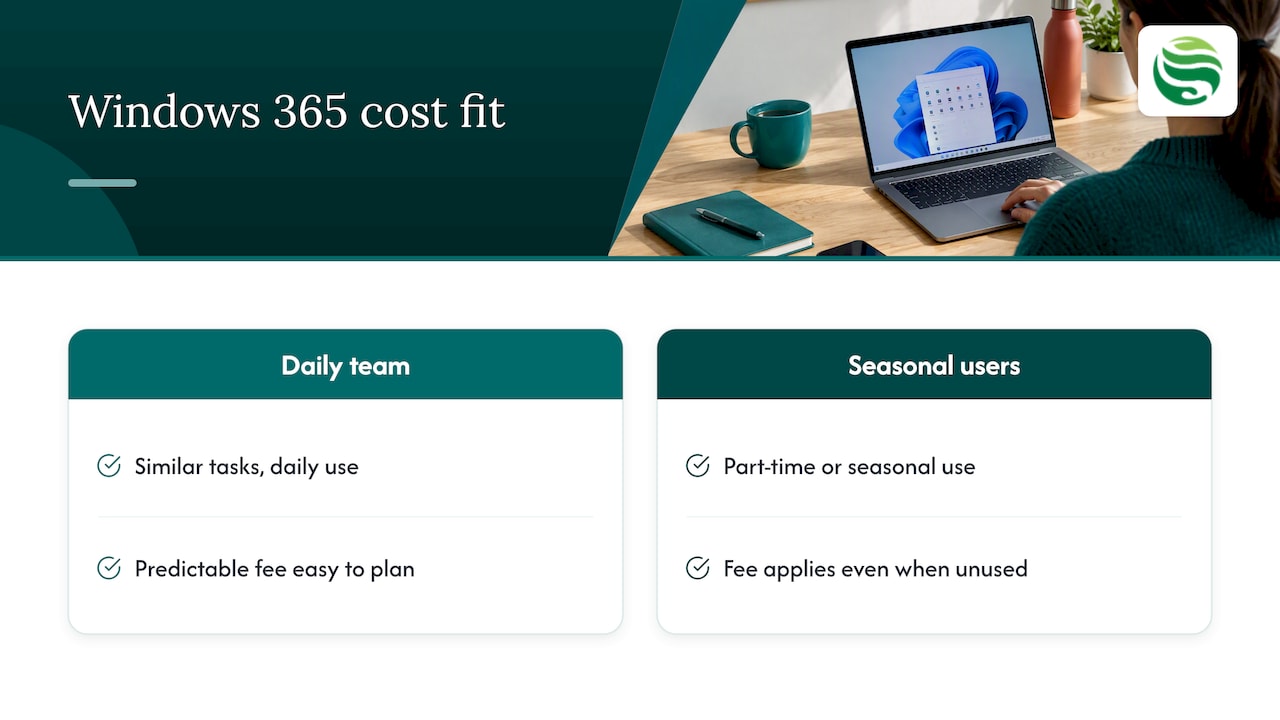
Cost is predictable. Microsoft’s UK pricing page for Windows 365 Enterprise shows plans starting at around £22.20 per user per month, rising considerably for higher-performance configurations. Check the page before you budget, as plans and specifications change.
The trade-off is that the fee applies whether the Cloud PC is used for eight hours a day or not at all. For a team where everyone works daily on similar tasks, that is easy to plan around. For a team with seasonal or part-time users, it can be wasteful.
How Azure Virtual Desktop works
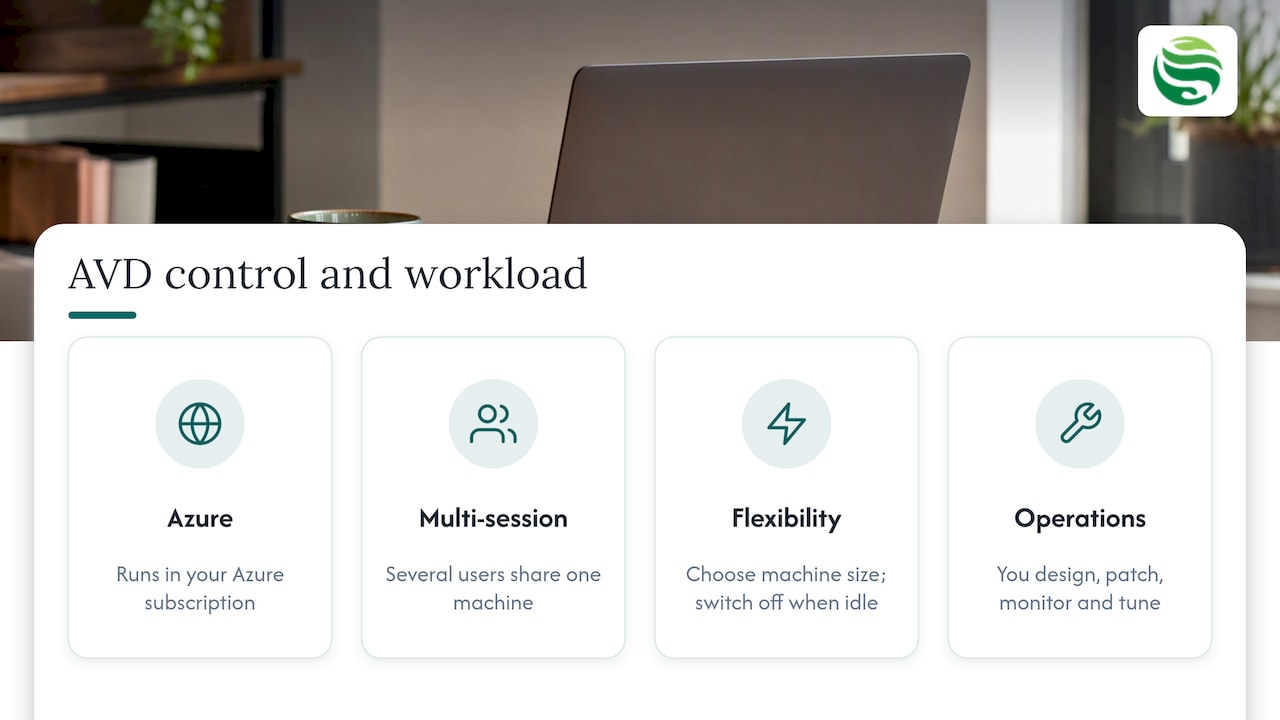
AVD runs in your own Azure subscription. You build the environment: session hosts, images, networking, scaling and access policies. In return you can pick the size of machine, switch machines off when they are idle, and put several users on one machine using Windows multi-session, which Microsoft positions as a way to reduce costs.
That flexibility is why it suits regulated or compliance-heavy work. If you need particular network controls, data-residency choices or a design that follows NCSC guidance closely, AVD offers the granularity that an off-the-shelf service may not.
The price is complexity. Someone has to design it, patch it, monitor it and tune it. Without that, an AVD estate can cost more than it saves.
What each option really costs
Comparing a flat monthly fee with a usage-based bill needs care. Three points catch businesses out.
- AVD has two cost layers. You pay for Azure compute and storage, and every user also needs an eligible licence. Microsoft’s licensing guidance says you must provide an eligible licence for each user who accesses AVD. Overlooking this dual structure is a common cause of unexpected bills. If you already hold the right Microsoft 365 plan, the licence part may be covered, but confirm it for your own plan.
- Autoscaling can save money, but only if it is configured. Specialists cite savings of 40 to 60 per cent from switching off unused virtual machines, but that is a potential figure, not a promise, and it depends on how your staff work.
- Multi-session helps larger teams most. Commentators suggest around six to ten users per virtual machine as a working range, which is how AVD usually beats a per-user fee at scale. For a handful of staff the saving rarely justifies the build effort, which is why Windows 365 is usually more cost-effective for small businesses.
A practical test: list your users, how many hours each actually works on the desktop, and whether their applications work in a shared session. If most people need a personal desktop all day, the fixed fee is hard to beat on simplicity. If usage is uneven, model AVD properly before deciding.
Security and management: the same standards apply
Neither service removes your responsibility for security. A Cloud PC or a virtual desktop is still an endpoint that holds business data, and it still needs sensible controls.
Both work with Microsoft 365 security and Intune, so you can apply the same policies you use for physical devices. In practice, that means:
- multi-factor authentication for every user, with admin accounts protected properly (see our guide to Microsoft 365 MFA for UK admins);
- device and compliance policies through Intune;
- backup for the data that lives in Microsoft 365, which a cloud desktop does not replace (see our note on Microsoft 365 backup gaps);
- email protection and user training alongside the desktop itself.
The difference is who carries the configuration load. With Windows 365, Microsoft looks after the underlying machine and you configure policy. With AVD, you also own the host networking, images and patching. Our approach, Security by Default, is to treat that protection as part of the build rather than an extra, whichever model you choose. For a wider view of current threats while you plan, a cyber security news roundup is a useful read.
Choosing between them
Ask these questions in order:
- Do you have, or can you buy, the skills to run AVD? If not, Windows 365 is the safer start.
- Do staff use their desktop in similar ways every day? If so, Windows 365 suits them. If usage varies widely, AVD can match cost to demand.
- Do you have compliance, networking or data-residency requirements beyond the standard? If so, lean towards AVD.
- How many users? Small teams usually favour Windows 365. Larger teams can gain from AVD multi-session.
- Do you need both? Forrester’s 2025 economic impact study points to a hybrid approach: Windows 365 for standard roles and AVD for specialised or large-scale needs.
If you are still weighing it up, the hybrid route is often the sensible answer: start with Cloud PCs for the roles that fit, and keep AVD for the workloads that need it.
Getting it right with Abersecure
For Aberdeen and Aberdeenshire businesses, the harder question is rarely which product has the better feature list. It is who will manage it, secure it and answer the phone when something breaks. Our Managed IT Support combines day-to-day support with cyber security and technical oversight, and our Microsoft 365 management covers the platform that either desktop option depends on. If you would rather have an experienced person own the decision, our Outsourced IT Manager service is built for that. Talk to us before you commit to a design, and we can help you test the assumptions above against your own users.
Frequently asked questions
Is AVD the same as Azure Virtual Desktop?
Yes. AVD is the common abbreviation for Azure Virtual Desktop, Microsoft’s virtual desktop service that runs in your own Azure subscription. Searches for Cloud PC vs AVD are usually comparing it with Windows 365, the Cloud PC service.
Is Windows 365 the same as Microsoft 365?
No. Microsoft 365 is the subscription for apps such as Outlook, Teams and SharePoint, plus security and management tools. Windows 365 is a separate service that provides a Windows desktop in the cloud. The two work together, and your Microsoft 365 setup still needs managing either way.
Which is cheaper for a small business?
For a small team with standard roles, Windows 365 is usually simpler and easier to budget, because the fee is fixed per user. AVD can be cheaper where usage varies or users share machines, but only once it is designed and monitored well. Model your real usage before deciding.
Do I need Intune for either option?
Not strictly, but both integrate with it, and it is the usual way to apply consistent device and compliance policies. If you already use Microsoft 365 security, extending it to cloud desktops is the sensible route.
Can I use Windows 365 and AVD together?
Yes. Many organisations give standard users Cloud PCs and reserve AVD for specialist or high-volume workloads, which is the hybrid pattern Forrester’s study describes.