A reliable remote work IT setup rests on five things: managed devices, secure access, clear policies, data protection compliance and support that staff can reach when something breaks. Get those right and people can work from home as productively as they do in the office, without your data leaving your control. This guide covers each one in the order you would build them, using UK official guidance, and shows where work from home IT support fits in.
What a remote work IT setup includes
A home office desk and a laptop are the visible part. The part that decides whether remote working is safe and dependable is the IT behind it.
The NCSC’s home working guidance suggests organisations consider collaboration services such as chat, video conferencing and document sharing, encrypt data on devices, use mobile device management (MDM) to set a standard configuration, make sure staff know how to report problems, and patch any VPN already in use.
In practice, a business needs to settle these areas:
- Devices: who supplies them, how they are configured and how they are locked down.
- Access: how staff sign in to email, files and line-of-business systems.
- Policy: what staff may and may not do with company data at home.
- Compliance: your obligations under UK data protection law.
- Support and monitoring: who fixes problems and watches for threats, including outside office hours.
The rest of this guide takes them in turn.
Devices: standard, encrypted and managed
The simplest rule for a remote work IT setup is that every device touching company data is set up the same way and can be controlled remotely.
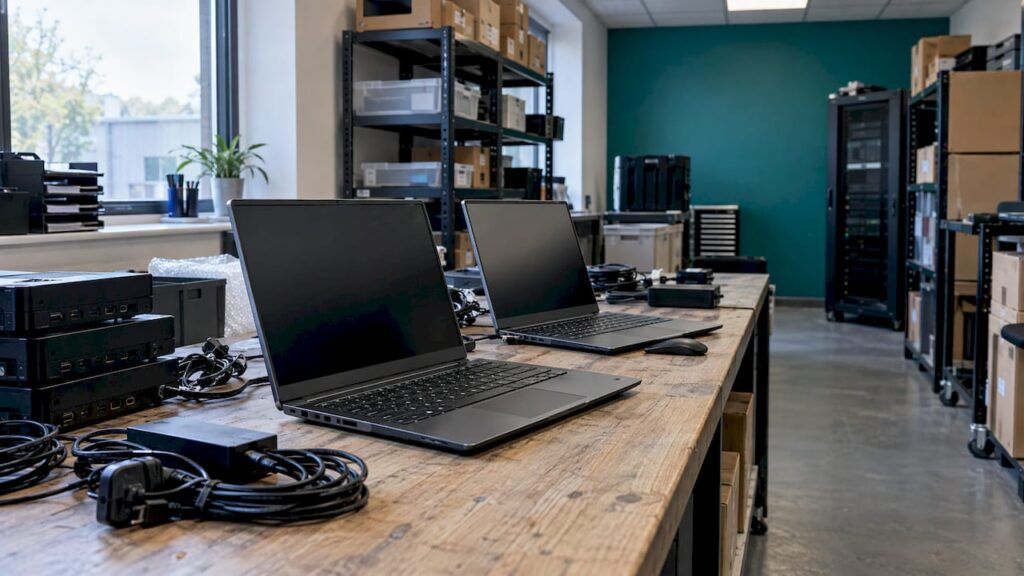
The NCSC advises that devices encrypt data at rest, so a lost or stolen laptop does not become a data breach. It also recommends MDM to apply a standard configuration, plus tools that can remotely lock a device, erase its data or retrieve a backup.
A sensible baseline for each laptop or phone includes:
- disk encryption switched on;
- screen lock and approved apps only;
- modern endpoint protection;
- regular patching of the operating system and applications;
- remote wipe capability.
If you are a Microsoft 365 business, our guides on Intune device management for small businesses and mobile device management for UK SMEs explain how this is done in practice. A written device management policy then makes the rules enforceable rather than optional.
Removable media and personal devices
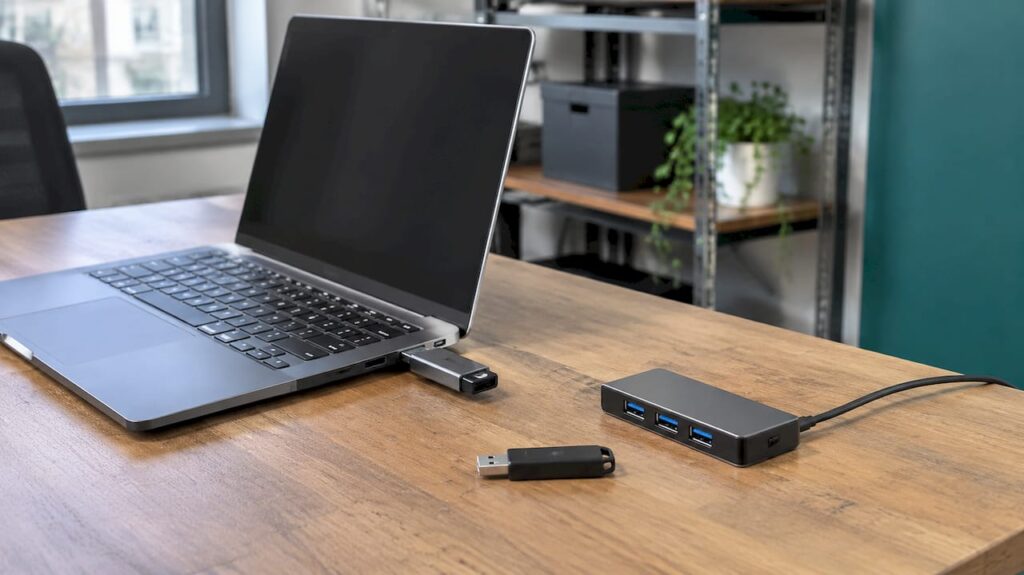
USB drives are easily misplaced and can carry malware into your systems. The NCSC recommends disabling removable media through MDM settings, allowing only organisation-supplied products and encrypting data on any media that is permitted.
If staff use their own devices, decide that early. Under Cyber Essentials, all corporate and BYOD home working devices are in scope, and so is any router you supply to a worker. If you are considering certification, our Cyber Essentials guide sets out what it involves.
The physical workstation
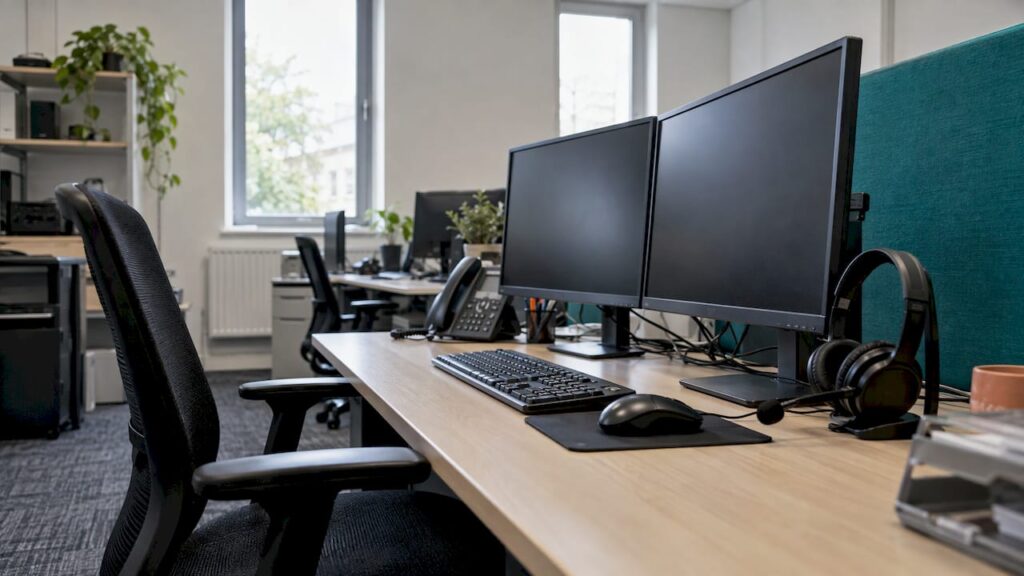
The desk matters too. Employers have duties around display screen equipment, and a short check of chair, screen height and lighting prevents problems later. These DSE workstation setup checks take only a few minutes per person.

Secure access to company systems
The ICO’s working from home security checklist for employers expects staff to use unique, complex passwords, to have multi-factor authentication (MFA) configured where possible, and to use the latest version of any remote access solution. For longer-term arrangements it suggests considering whether remote access should sit behind a gateway or VPN.
Multi-factor authentication
The Cyber Essentials requirements state that authentication to cloud services must always use MFA. They also acknowledge that SMS is not the most secure type of MFA but still offers a huge advantage over having none. Authenticator apps are a stronger choice where your systems support them.
VPN or cloud-first access
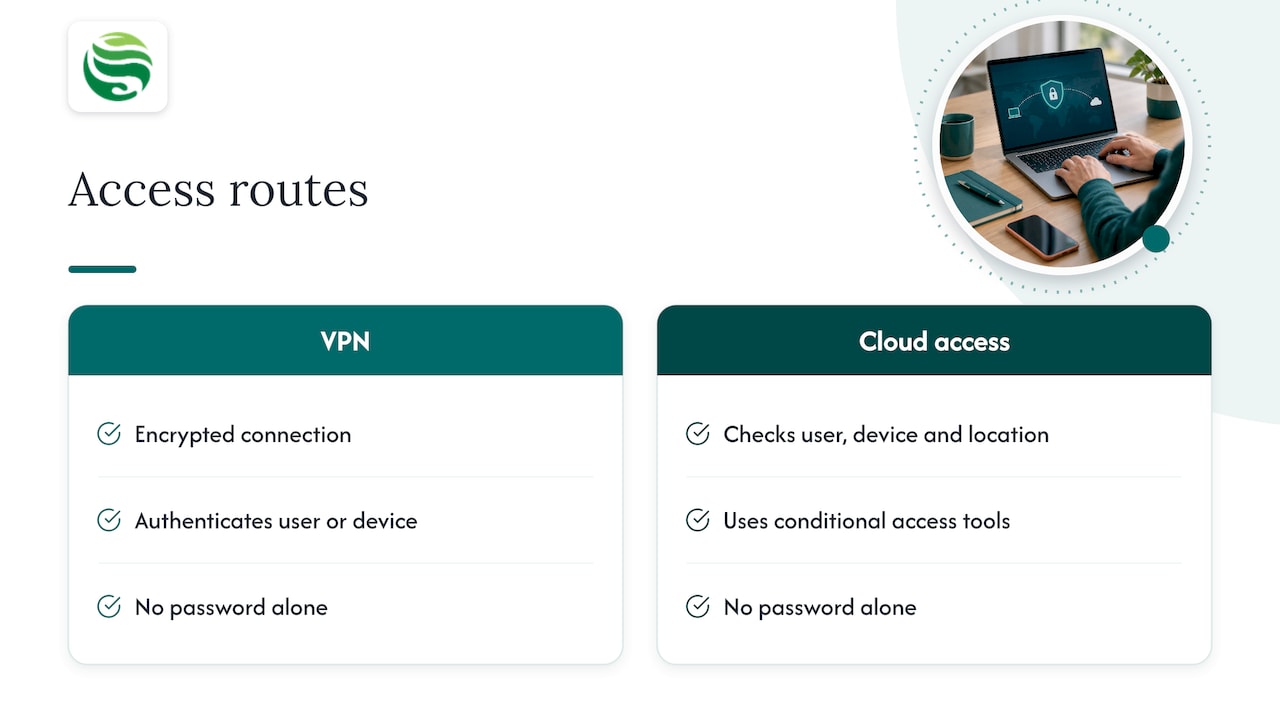
The NCSC explains that a VPN creates an encrypted connection that authenticates the user or device and protects data in transit. If you already run one, keep it fully patched, and check you have enough licences, capacity and bandwidth if many more people now connect at once.
Many small firms now work mostly in cloud services, where conditional access tools check who is signing in, on what device and from where. Whichever route fits your systems, the principle is the same: do not rely on a password alone.
Least privilege
The same Cyber Essentials requirements say user accounts should give access only to the applications, computers and networks needed for the role, and administrator accounts should be used only for administrative tasks. Our password policy template for SMEs aligns with NCSC, Cyber Essentials and ICO guidance.
Policies that make remote working safe
Technology only protects you if staff know what is expected. A short, practical remote working policy usually covers:
- approved devices and who may use them;
- access rules, including MFA and use of a password manager;
- how company data is stored and shared;
- home basics such as privacy when taking calls and secure Wi-Fi;
- incident reporting, with a clear name or number to contact.
On storage, the ICO notes that corporate cloud storage can stop staff using personal storage or messaging services, and that only key staff should have full access to the storage area.
The NCSC also recommends written ‘How do I?’ guides for remote software, so your support team is not swamped by routine questions, and suggests staff work through its Top Tips for Staff e-learning to feel less exposed when away from the office.
Data protection when staff work from home
Working from home does not remove your UK GDPR duties. The ICO’s guidance on data protection and monitoring workers states that homeworking is not personal or household processing, so it is covered by the monitoring guidance. It also says workers’ expectation of privacy is likely to be significantly greater at home than in the workplace, and that a data protection impact assessment (DPIA) is required before any processing likely to cause high risk to workers’ interests.
The practical lesson: if you plan to monitor activity on home-working devices, be proportionate, tell staff what you do and why, and assess it first. The ICO also has a dedicated employment information page with guidance for organisations whose people work from home.
Support, monitoring and out of hours cover
A remote work IT setup is not finished on the day laptops are handed out. Staff will lose access, hit sync errors or find a suspicious email, and not always between 9 and 5.
TechTarget’s network checklist for remote work recommends reviewing network performance around the clock where possible, establishing patch management, testing devices and new network resources before deployment, and carrying out periodic penetration tests.
For most SMEs, that means deciding who handles:
- a help desk that remote staff can reach quickly;
- patching and endpoint monitoring across all home-based devices;
- incident response when something goes wrong;
- cover for evenings, weekends or staff working across time zones.
If your team is small and you do not want an in-house IT department, an outsourced arrangement is the usual answer. Our guide on how to choose IT support explains what to look for, and on-demand IT support can suit firms that only need help occasionally.
How Abersecure helps Aberdeen businesses
We provide business IT support for companies in Aberdeen and Aberdeenshire, with security as a default standard across our packages. Our Managed IT Support covers endpoint and Microsoft 365 management, while endpoint management provides 24/7 monitoring of devices wherever they are used. Our IT help desk supports remote staff, and out of hours IT support is available through our packages. If you want a specialist to oversee the whole setup, an outsourced IT manager can own it for you.
FAQ
What is the minimum IT setup for remote working?
At a minimum, give staff managed and encrypted devices, MFA on every cloud account, a clear policy on data handling and a named contact for problems. Add collaboration tools such as chat, video and shared documents. From there, build up monitoring and patching as the team grows.
Do remote workers need a VPN?
Not always. The ICO suggests considering whether remote access should sit behind a gateway or VPN for longer-term arrangements. If you already use a VPN, the NCSC says to keep it fully patched and check it has capacity for more users.
Can staff use their own laptops for work?
Yes, but those devices are in scope for Cyber Essentials if they access company data. Set rules in a written policy, manage them through MDM where possible and keep company data in corporate cloud storage rather than on personal accounts.
Can I monitor employees working from home?
You can in some circumstances, but the ICO says workers expect more privacy at home and a DPIA is needed before high-risk processing. Be transparent with staff and keep any monitoring proportionate to a clear business need.
Who provides work from home IT support for a small business?
Small firms typically use an external provider rather than a full in-house team. Look for a help desk that remote staff can reach, proactive monitoring and options for cover outside normal hours.
A secure remote work IT setup comes down to managed devices, MFA, sensible policies, compliance and dependable support. If you would like help putting it in place, talk to Abersecure about IT support for your Aberdeen business.