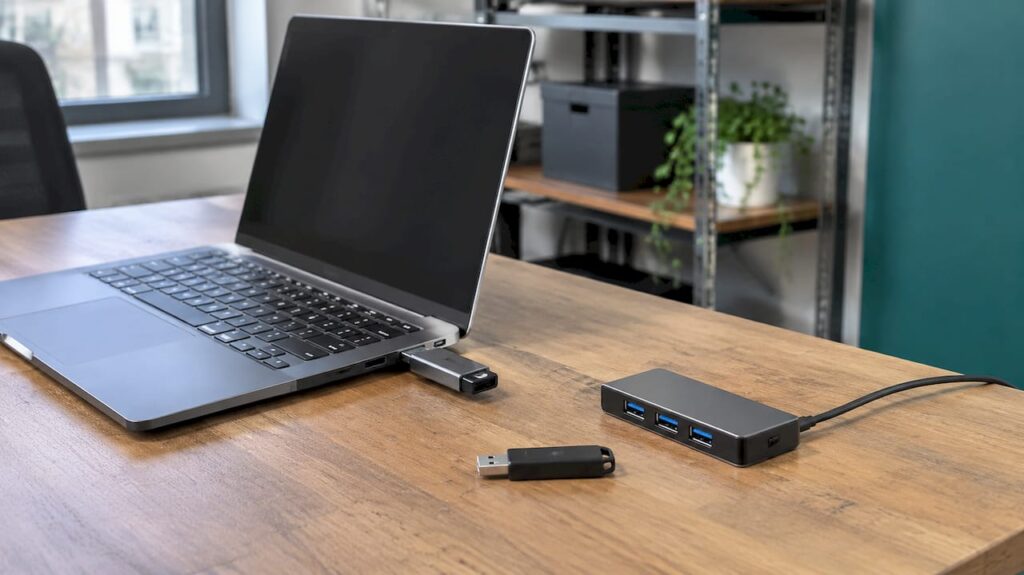
USB device control is a set of rules on your computers that decides which USB and other peripheral devices staff can use, and what they can do with them. For most small and medium-sized businesses, the sensible approach is to block unknown storage devices by default, allow approved and encrypted ones, and monitor legitimate use. This guide explains how that works, which risks it addresses and what to put in your policy.
What USB device control means for your business
USB device control is managed at the endpoint, meaning the laptop or desktop itself. Microsoft describes it as a way to protect against data loss, malware and other cyberthreats by allowing or preventing particular devices from being used. Rules can apply to specific devices, or can permit only devices protected with BitLocker encryption.
This is more precise than switching off a port. A well-built USB device control policy can distinguish between:
- devices that are blocked outright;
- devices that are approved, for example company-issued encrypted drives;
- devices that are allowed only for certain users or groups.
The result is that your finance team can use an approved encrypted drive for a specific task, while an unknown stick found in the car park does nothing at all.
Why unmanaged USB devices are a risk
The National Cyber Security Centre (NCSC) lists several risks from peripherals: data theft, data loss, malware installation, command injection through USB devices that pretend to be keyboards, and memory attacks through direct memory access (DMA) interfaces. If an unencrypted drive is lost, you may also be unable to restrict access to its contents or wipe it.
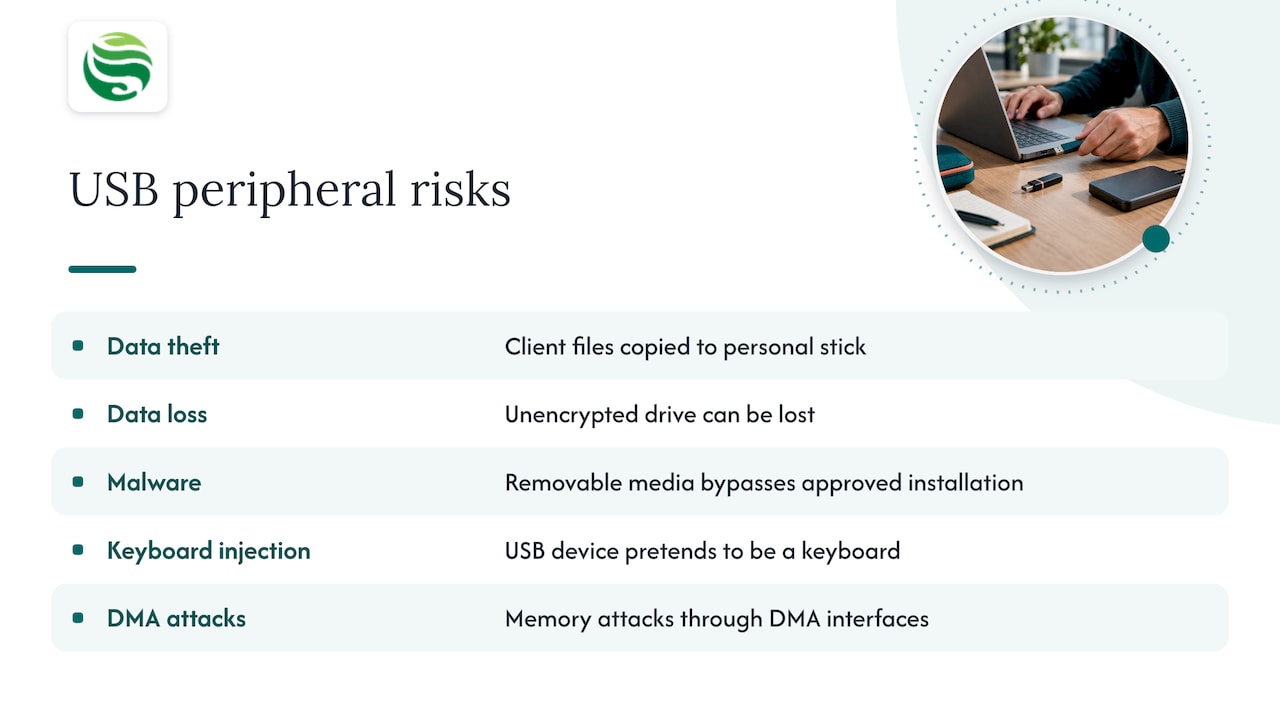
The NCSC also points out that removable media is an additional route for malicious software to enter, bypassing your approved software-installation process. That matters because a business can have good email filtering and still be exposed by a single plugged-in device. Our guide to Microsoft 365 email security covers the email side of the same picture.
USB device control also supports data protection. Staff copying client files to a personal stick is a common, well-meaning way for information to leave your control, and one that rarely appears in any log unless you have set one up.
Block, allow or monitor: choosing your approach
You do not have to choose between total lockdown and total freedom. The NCSC recommends controlling external storage devices as a major mitigation against data exfiltration, while monitoring legitimate use where prevention is not possible or desirable.
In practice, most SMEs land on one of three models:
| Approach | How it works | Best suited to |
|---|---|---|
| Block all removable storage | No USB storage works on managed computers | Teams that rarely need removable media |
| Allow approved devices only | Company-issued, encrypted drives work; everything else is denied | Most SMEs handling client or personal data |
| Allow and monitor | Use is permitted but logged and reviewed | Roles where blocking would stop the work |
On Windows, Microsoft explains that you can use device installation restrictions or Defender device control to allow or deny USB access, and that audit events can be reviewed in Advanced Hunting. Auditing first, before enforcing, is a good way to learn what your staff actually plug in.
Allowing only specific USB devices or users
Most businesses need exceptions, so the question becomes how to allow only specific devices. Microsoft’s device control policies can allow specific devices or scope access by user group, and can limit access to BitLocker-encrypted devices.
On the plain Windows side, you can use device installation restrictions through Group Policy or Intune. Microsoft’s documentation says these can block devices not described by policy while allowing devices that match specified device instance IDs. It also warns that required USB controllers, hubs and other prerequisite devices must stay allowed, or normal input devices such as keyboards may stop working. This is the most common mistake in a first rollout, which is why testing on a small group matters.
If you manage laptops through Intune, our guide to Intune device management for small businesses explains the wider setup that device rules sit within.
Two practical points on exceptions:
- Make exceptions narrow. Allow a named device for a named person or role, not a whole category for the whole company.
- Do not rely on one identifier. Vendor, product and serial numbers can be used to identify a device, but they can be missing, duplicated or spoofed, so they should be combined with encryption and ownership records rather than treated as proof on their own.
What your USB policy should cover
Technical rules work best when a short written policy sits behind them. UK public-sector bodies publish policies you can borrow ideas from. One NHS trust policy requires trust-issued encrypted USB sticks, authorisation before issue, no personal unencrypted sticks, monitoring of use and ownership, and specific permission before personally identifiable information is transported. A Defra policy allows removable media only when use is minimised, there is a good business reason, the media is department-owned or issued, and sensitive data is encrypted.
For a business of any size, a defensible policy covers:
- Who may use removable media, and for what business reason.
- Which devices are approved: company-owned or issued, and encrypted.
- Personal devices: not permitted to hold or carry company information.
- Registers and records: who was issued what, and when. A UK guide to removable media management recommends issuing media to accountable users, scanning it for malware, keeping a register and recording transfers.
- Beyond storage: the NCSC notes risks across USB peripherals, wireless interfaces, syncing, debugging and DMA-capable interfaces, so your rules should not stop at memory sticks.
- Disposal: the NCSC says that simply deleting data is not sufficient sanitisation, and sensitive data should be properly sanitised before media leaves your control.
Our device management policy guide and the article on device lifecycle management show how a USB section fits into a wider policy.
Rolling out USB device control without disrupting work
The aim is protection that staff can live with. The NCSC advises explaining why controls exist and providing realistic, policy-compliant workflows, because impractical restrictions can cause frustration and workarounds. That ties into shadow IT: if the approved route is awkward, people will find their own.
A steady rollout looks like this:
- Audit first. Record which devices are used, without blocking anything, for a few weeks.
- Define your approved devices and issue encrypted drives where there is a real need.
- Pilot with a small group, including someone who uses scanners, docking stations and headsets, so essential peripherals are not caught by mistake.
- Enforce in stages, with a clear route for requesting an exception.
- Review the logs regularly and adjust.
Remember that blocking storage does not automatically block every kind of USB device. A keyboard-style device or a multifunction device can expose several interfaces, and each needs its own decision. Cloud storage, email and wireless transfers are separate routes too, so USB device control works best alongside wider endpoint protection and monitoring.
How we can help
If you would rather not build and maintain this yourself, our endpoint management service provides 24/7 monitoring of your devices, and our endpoint protection work is part of how we apply Security by Default for Aberdeen and Aberdeenshire businesses. Under managed IT support we look after devices, patching and Microsoft 365 as one environment, so a policy like this is kept current rather than written once and forgotten. Speak to us about what fits your setup before making any changes to your estate.
FAQ
What is a USB device controller?
People use the phrase in two ways. Technically, a USB controller is the hardware that manages USB ports. In security, it usually means USB device control: software and policy that decide which devices may connect to a computer and what they may do.
How do I allow only specific USB devices?
On Windows, you can create a policy that denies devices not described by policy and allows those matching approved device instance IDs, using Group Policy or Intune. Microsoft Defender device control can also scope access by user group or allow only BitLocker-encrypted devices. Keep the hubs and controllers that keyboards and mice depend on allowed, and test with a pilot group first.
Is blocking USB storage enough to protect company data?
It is a strong step, and the NCSC lists controlling external storage as a major mitigation against data exfiltration. It should sit alongside encryption, monitoring and controls on email and cloud sharing, because data can leave by other routes.
Can small businesses use USB device control without an in-house IT team?
Yes. The rules are applied centrally to managed computers, so they do not need someone at each desk. A managed IT provider can set up, test and review the policy as part of ongoing support.